
DreamCreator Overview
Welcome to DreamCreator, an AI assistant for content creators.
Introduction
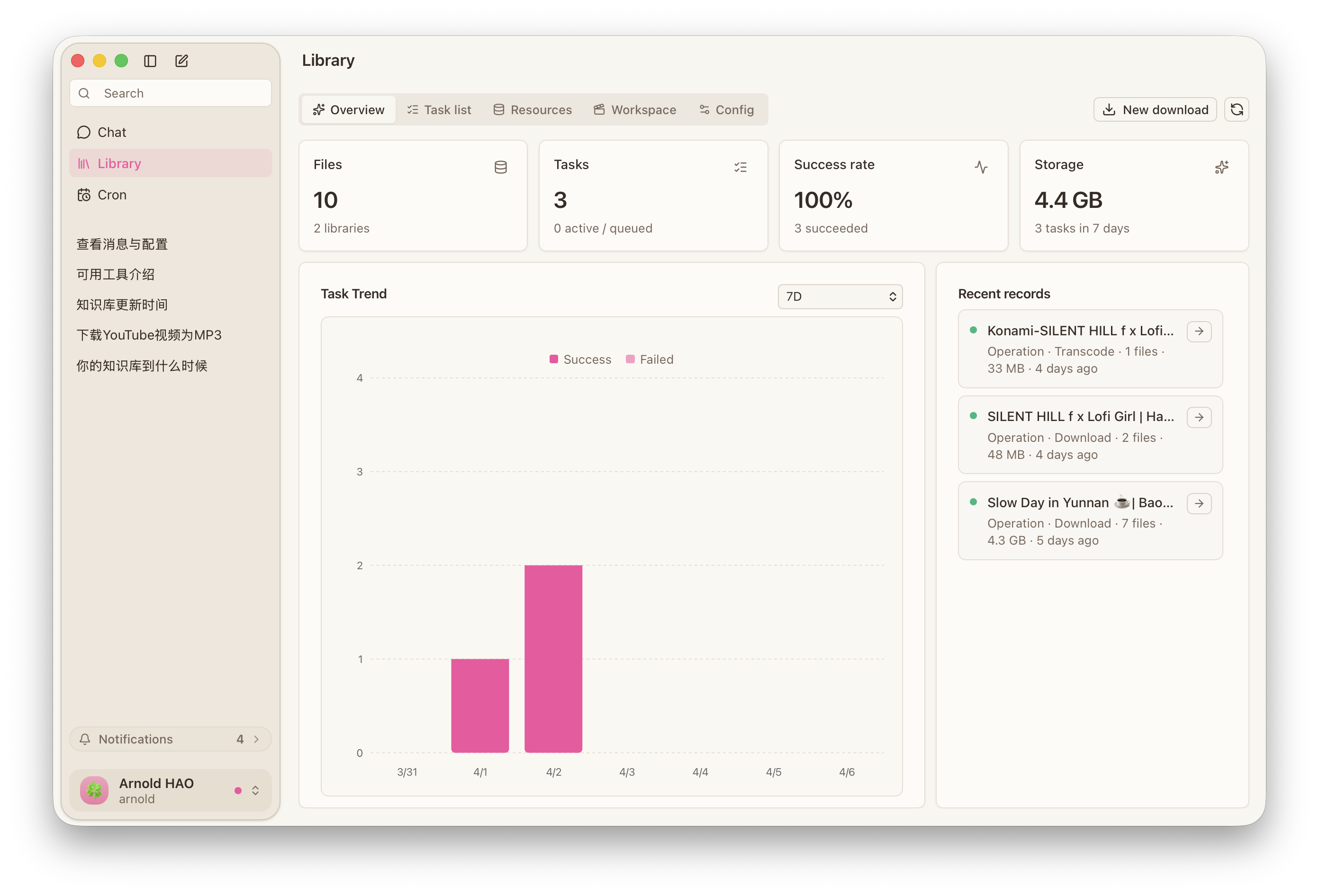
DreamCreator is an AI-native desktop app that combines video download, subtitle workflows, research, desktop execution, and mobile follow-up. Whether you work through the interface, conversation, or mobile access, DreamCreator keeps content preparation orderly and the product experience consistent.
Core Concepts
- Product Mode: explains the scope of
Full ModeandDownload Mode, and how desktop, chat, and Telegram entry points work in each mode. - Resource Library: handles download, import, subtitle proofreading and translation, transcoding, subtitle burn-in, and export, and also receives library jobs created by the assistant.
- AI Assistant: explains conversation, research, execution, library job creation, memory, skills, automation, and how these capabilities are configured inside the product.
User Guide
- Video Download: based on
YTDLP, this guide explains how to start download jobs from the desktop, chat, or Telegram and write the results into the local library. - Subtitle Proofreading & Translation: see how to continue subtitle proofreading, translation, QA, and export from the workspace or assistant entry points.
- Video Transcoding & Subtitle Burn-In: see how to continue transcoding and subtitle handling from the workspace, chat, or Telegram before final delivery.
- Conversation, Research & Idea Organization: see how to let the assistant handle research, idea organization, structuring, and then continue by creating library jobs.
- Scheduled Tasks: see how to hand recurring download, organization, reminder, and trigger work to scheduled jobs that keep running.
- Mobile Channel Access: see how to connect Telegram so the same assistant can continue checking, following up, and starting library jobs away from the desktop.
Getting Started
- If DreamCreator is not installed yet, start with Install, First Launch & Updates.
- If you have already finished onboarding, go straight to the guide that matches the task you want to handle now.
- If you plan to use DreamCreator long term, then read the
Conceptspages for Product Mode, the Resource Library, and the AI Assistant.