
Scheduled Tasks
Hand recurring assistant work, reminders, and delivery to scheduled jobs.
Introduction
Anything that repeats and is not worth manually triggering every time is a good candidate, such as:
- checking a source for new material
- triggering a recurring research or assistant turn
- delivering results to the app or a channel at a fixed time
When the scheduled task triggers an assistant turn, it can also continue by creating download, transcode, and subtitle jobs in the Resource Library.
Prerequisites
- the app is currently in
Full Mode - if onboarding is not complete yet, first finish the
Welcomesetup described in Install, First Launch & Updates - you already know whether this work belongs in the main session context or in an isolated session
Features
Workflow
- Open the
Scheduled Taskspage and create a new job. - Fill in the
Basic Infosection with a name and description. - In
Schedule, chooseEvery,Cron, orAt. - In
Payload, confirm whether this job is a system event or an agent turn. - In
Delivery, decide whether the result should stay local, be announced, or be sent throughWebhook. - After saving and enabling the job, validate it first with a low-risk schedule or a short interval.
Run State
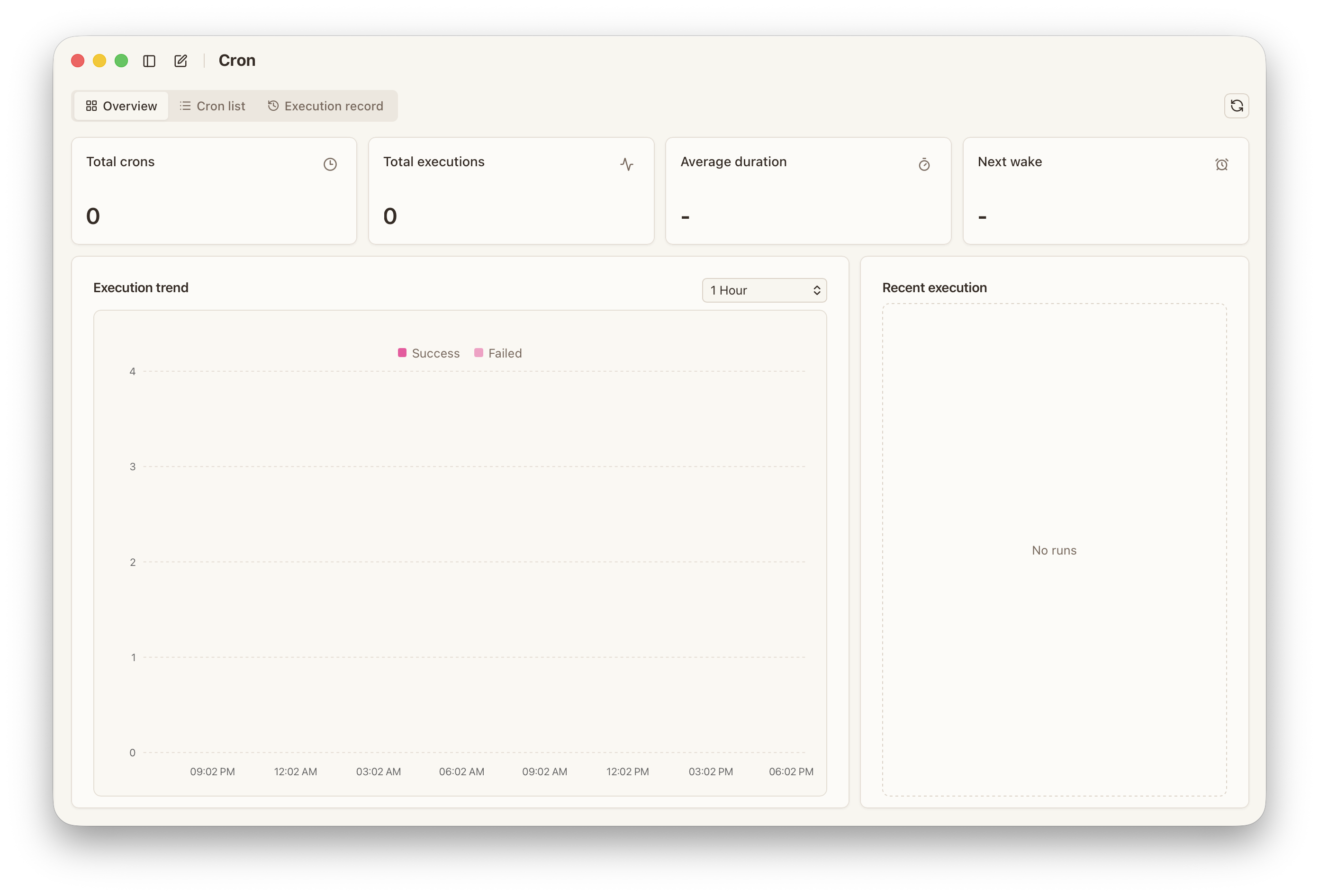
The scheduling surface is already an operations view. In practice, you should look at:
Overviewfor totals, next wake, and recent activityListfor current job definitions and statusRecordsfor specific runs, stages, and errors
If the execution state of a job is unclear, check the records first, then continue troubleshooting the job configuration or runtime environment.
Assistant Turns
When Payload is set to agentTurn, and the current assistant has the related tools enabled, the scheduled task can continue by creating:
- download jobs
- transcode jobs
- subtitle translation, proofreading, and QA jobs
The actual job state, outputs, and errors are tracked in the Resource Library.
The Scheduled Tasks page keeps the wake-up, execution, and delivery records for the scheduled run itself.
Operating Guidance
- start with low-frequency, low-risk jobs
- make inputs and outputs explicit
- keep a failure delivery path where it matters
- review recent errors and consecutive failures regularly
Configuration
When creating a scheduled task, the main settings to confirm are:
Trigger
everyfor interval-based runscronfor expression-based schedulesatfor one-off timed execution
Session
mainwhen the job should continue inside an existing contextisolatedwhen the job needs a cleaner boundary
Payload
systemEventfor system-oriented behavioragentTurnto trigger an assistant turn
Assistant and Tools
If the current scheduled task needs to keep creating library jobs through the assistant, the assistant should have:
Library queryLibrary jobs
If the job only needs reminders, delivery, or lightweight checks, the tool scope can be reduced accordingly.
Delivery
nonewhen the result only needs to stay in recordsannouncefor in-app or channel deliverywebhookfor external systems